
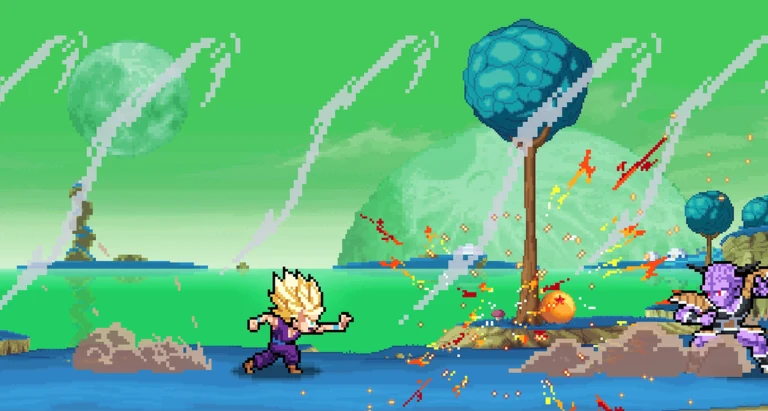
Side by side
| Pixel Z (Roblox) | Fury Survivor: Pixel Z | |
|---|---|---|
| Developer | That One Fighting Game | LTGAMES GLOBAL |
| Genre | 2D pixel fighting, ranked 3 vs 3 | Pixel zombie survival |
| Platforms | Roblox on PC, Mac, iOS, Android, Xbox, PlayStation | Android (Google Play) |
| Price | Free; optional Robux items | Free with ads and in-app purchases |
| Official listing | Roblox game page | Google Play listing (checked 20 Nov 2026) |
| Installs | Runs through Roblox; 3,777,904 visits | 1M+ downloads |
| Discord | None published (details) | Has its own server, linked from its store page |
Looking for a “Pixel Z download” or APK?
For the Roblox fighting game there is nothing to download except Roblox itself. Install Roblox from your device’s app store, then open the Pixel Z game page and press Play. The Roblox experience has no separate APK supplied by its developer; use Roblox’s official store listing rather than an unrelated download site.
If you did mean the zombie game, its official listing is on Google Play; this site does not cover it beyond this comparison.
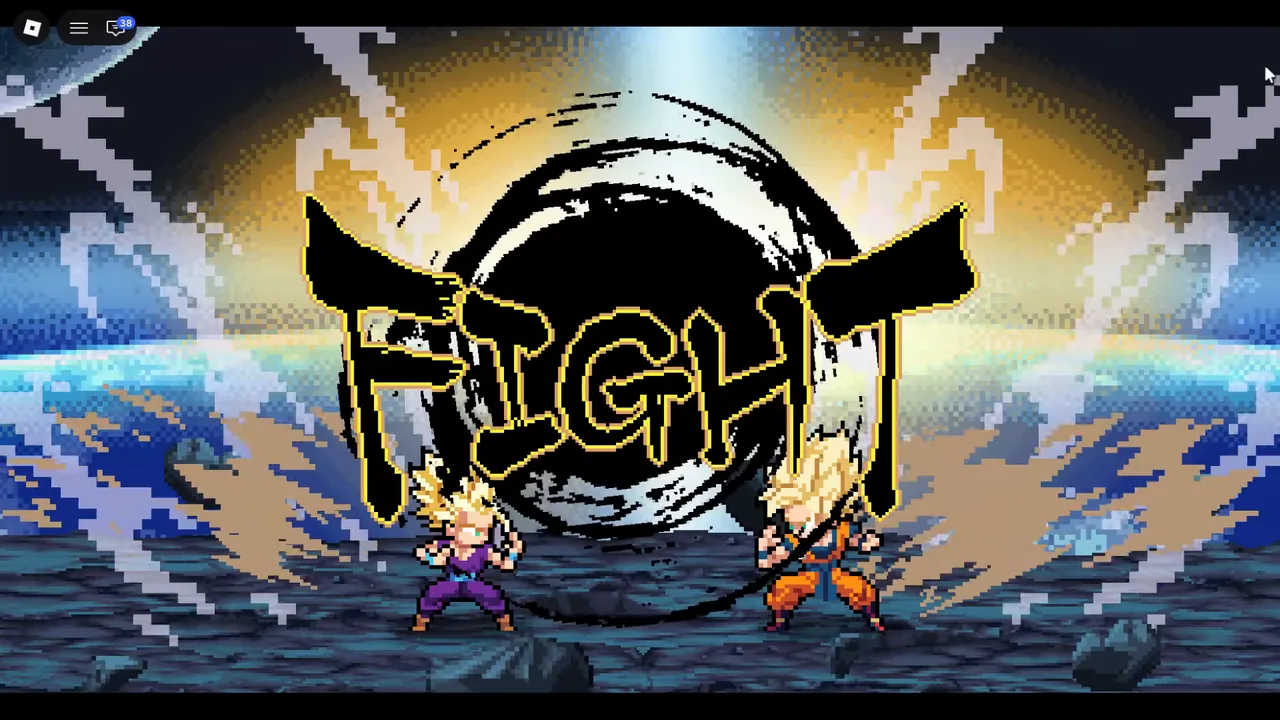
Where to go next
For the Roblox game, start with what Pixel Z is, the working code and the beginner guide. Another mobile game with a similar name, Pixel Z Legend, is compared on its own page.
FAQ
Is Fury Survivor: Pixel Z on Roblox?
No. It is a separate Android game by LTGAMES GLOBAL.
Is there a Pixel Z APK?
The Roblox fighting experience has no separate official APK. Similar-name Android games have their own Google Play listings.
Can I play Pixel Z (Roblox) on Android?
Yes, through the Roblox app.
Sources
- Google Play — Fury Survivor: Pixel Z — checked 20 Nov 2026
- Roblox — Pixel Z game page and description (That One Fighting Game) — checked 20 Nov 2026
- Roblox public vote record for Pixel Z — checked 20 Nov 2026
How facts are cross-checked: editorial policy. Corrections: [email protected].