
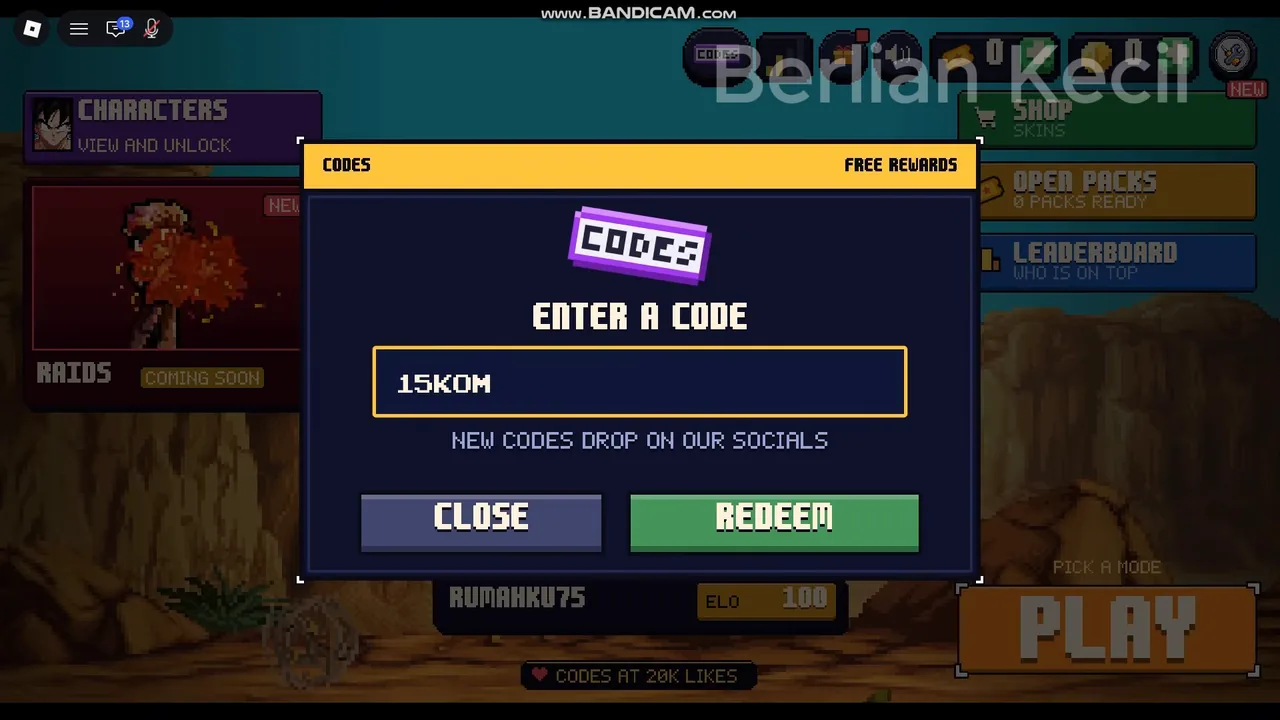
What each screen looks like
The screenshots on this page come from a public video recorded on 20 November 2026. The CODES pop-up has a small line under the box that reads new codes drop on our socials, and two buttons: CLOSE and REDEEM.
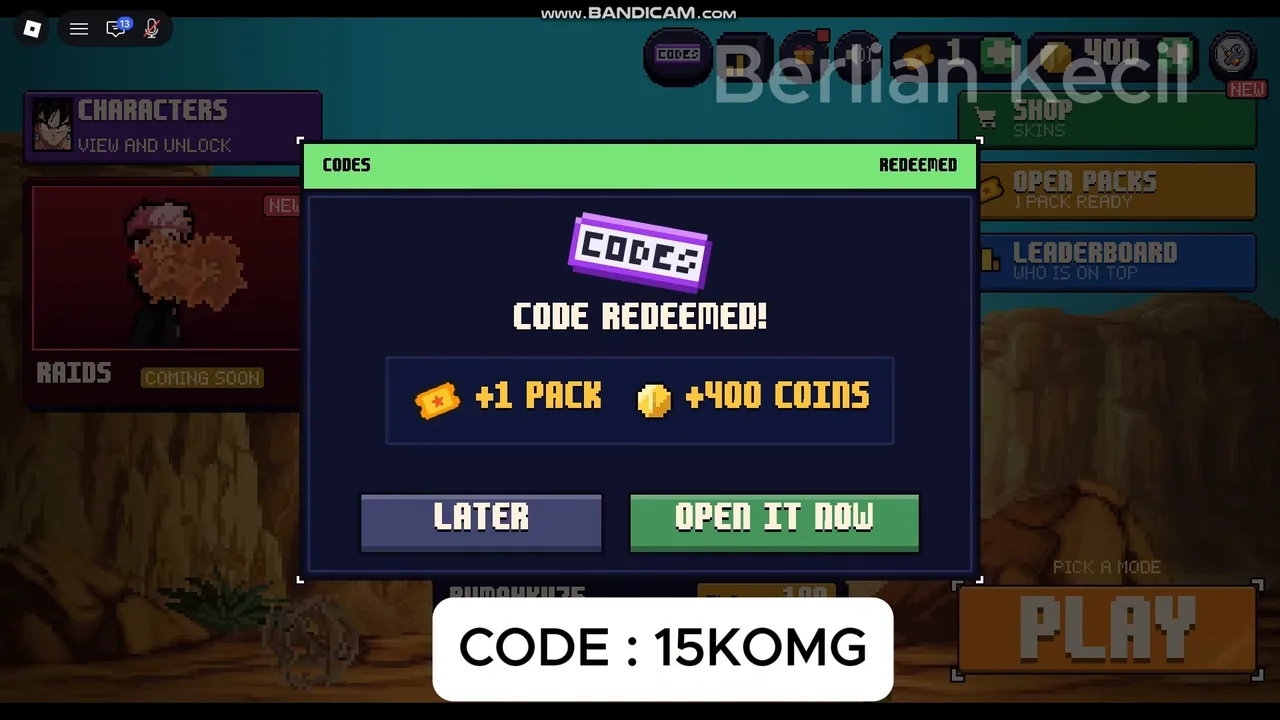
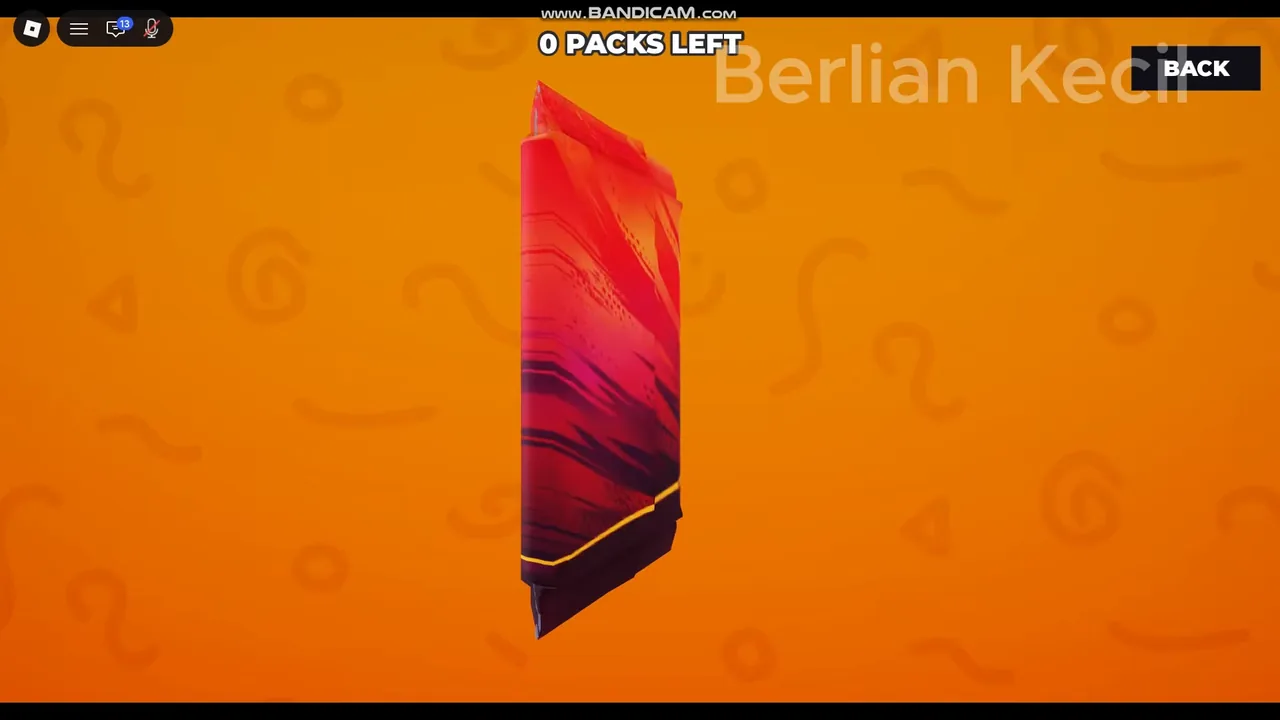
After OPEN IT NOW, the pack opens on an orange screen with a counter at the top (0 PACKS LEFT once it is used). A new fighter is announced as NEW FIGHTER UNLOCKED, and it then shows up on the character screen.
On phone, tablet and controller
The official description confirms phone, tablet and controller support, and the recorded move list has PC and PAD tabs. The available redemption recording shows the PC menu only (1 source for that layout). On a touch device, look for the CODES action and text box; for a controller, use the menu selection and text-entry prompts shown by your platform. Exact touch placement and console button labels are not established by the public recordings used here.
Why a Pixel Z code is refused
- A typo. Codes are letters and digits. A zero typed as the letter O, or a trailing space from copy-paste, is the most common miss.
- Capital letters. Type it in capitals exactly as listed. Code lists warn that codes are case-sensitive.
- Already used. Roblox codes normally work once per account, and the code lists say the same for this one.
- Expired. Codes can be switched off at any time. Dead codes are kept in the expired archive.
- Old server. After an update, an older server can lag behind. Leave and join a fresh server.
The working list, with the date each code was added and how many sources carry it, is on the Pixel Z codes page.
Video walkthrough
The same creator video shows the full redeem flow at normal speed, then opens the pack and starts a 3v3 online match.
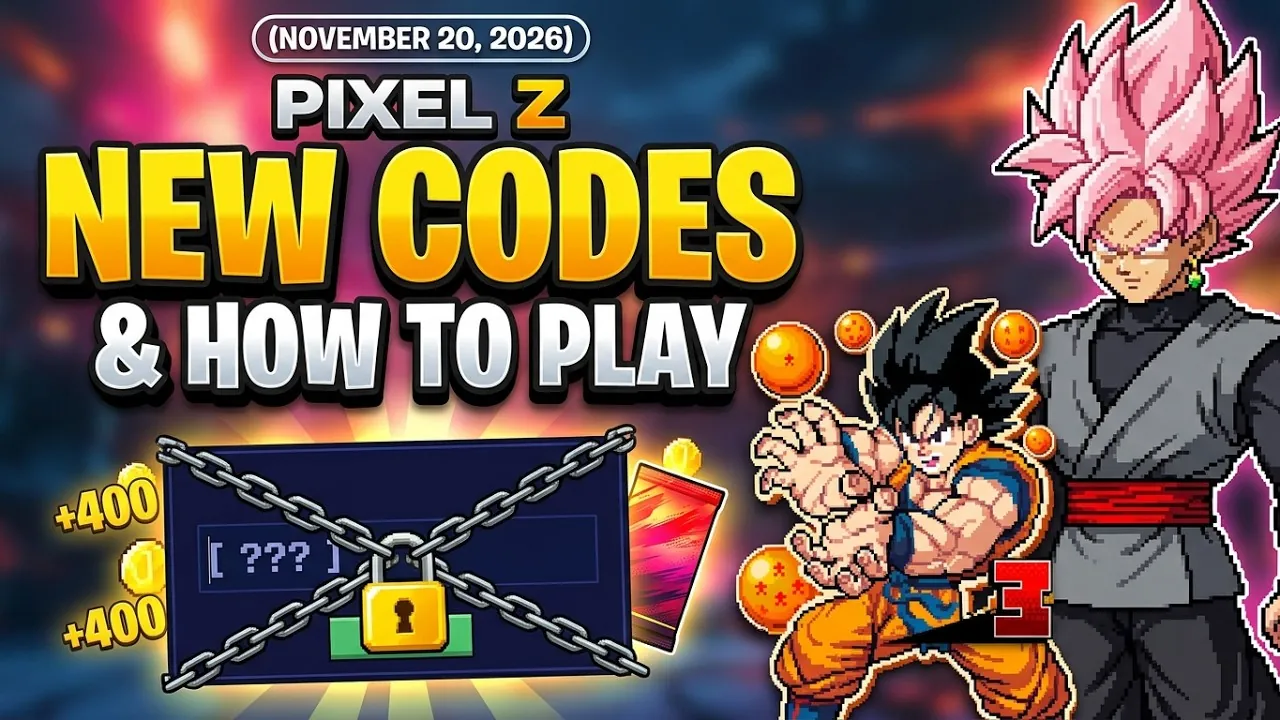
Redeem a Pixel Z code, step by step
- Open the game. Join Pixel Z from its Roblox page and let it load to the main menu with the PLAY button. New accounts are sent through the tutorial first; finish it, then come back to the menu.
- Press CODES. The CODES button sits in the strip of icons along the top of the menu, next to the ticket and coin counters. It opens a pop-up titled CODES.
- Type the code. Click the ENTER A CODE box (it shows the hint “Type code here”) and type
15KOMGexactly, with no spaces before or after. - Press REDEEM. A CODE REDEEMED! pop-up appears and lists the reward, currently +1 PACK and +400 COINS. Press LATER to keep the pack, or OPEN IT NOW to open it straight away.
- Open the pack. If you chose LATER, the OPEN PACKS button on the menu now shows 1 PACK READY. Each pack flips one card and unlocks one random fighter.
- Check your coins. The coin counter in the top bar rises by 400. Spend coins on the CHARACTERS screen.
FAQ
Where is the code button in Pixel Z?
In the top bar of the main menu, labelled CODES. It is part of the icon strip next to the ticket and coin counters.
Do I need to join the Roblox group to redeem codes?
No requirement is shown on the CODES pop-up. Joining the That One Fighting Game group is a separate offer: a pop-up promises a free character booster pack for joining.
Can I redeem on mobile?
The game supports phone and tablet. Look for CODES and its text box; the public redemption recording used here shows PC, so it does not establish the exact touch layout.
What happens if I press LATER?
The pack is saved. The OPEN PACKS button on the menu shows how many packs are ready, and you can open it any time.
Sources
- YouTube — Berlian kecil, “NEW CODES & HOW TO PLAY Pixel Z ROBLOX | NOVEMBER 20, 2026” (redeem pop-up, pack and 3v3 frames) — checked 20 Nov 2026
- Roblox — Pixel Z game page and description (That One Fighting Game) — checked 20 Nov 2026
- GameRant — Pixel Z Codes — checked 20 Nov 2026
- BloxArchive — Pixel Z Codes — checked 20 Nov 2026
How facts are cross-checked: editorial policy. Corrections: [email protected].