
Official keyboard layout
| Action | Key |
|---|---|
| Move / Jump | W A S D |
| Light attack | U |
| Medium attack | I |
| Heavy attack | O |
| Special | J |
| Ultimate | K |
| Guard | L |
| Dash | Space |
| Charge Ki | H |
| Dragon Rush | E |
| Transform | T |
| Pause | P |
Specials: direction + key
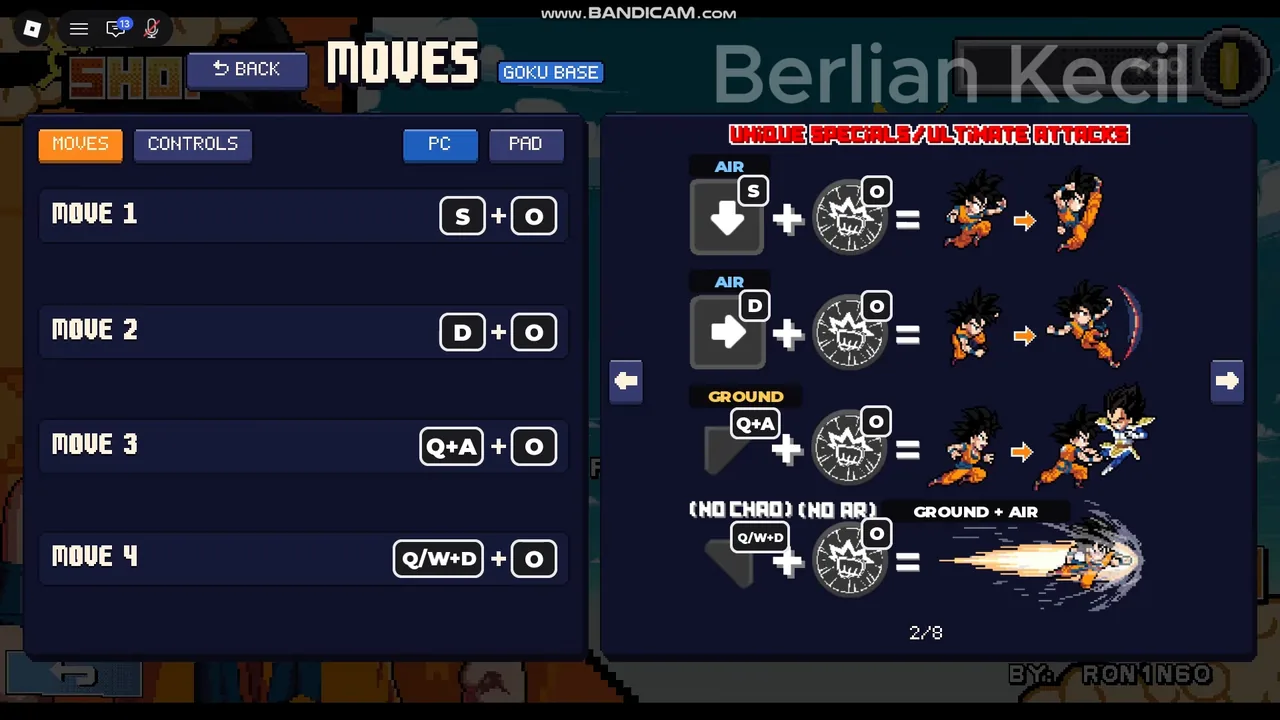
The description says: “Special moves: hold a direction + J, or Q + J.” The in-game MOVES screen for Goku Base, recorded on 20 November, shows each fighter’s four unique specials as a direction plus a button:
| Move | Input shown | Where |
|---|---|---|
| Move 1 | S + O | Air |
| Move 2 | D + O | Air |
| Move 3 | Q + A + O | Ground |
| Move 4 | Q/W + D + O | Ground and air (a beam) |
So two descriptions exist side by side: the store text pairs directions with J, while this fighter’s move list pairs them with the heavy key O. They may be two layers (a general Special and fighter-specific command moves), so check your own fighter’s list rather than assume one rule covers everyone.
What W, S and Q do
The description lumps movement into “Move / Jump: W A S D”. A screen-read list on pixel-z.wiki is more specific: W jumps, A/D move, S crouches, and holding Q turns ground moves into up-moves. The same list reads 1/2 as assists and 3/4 as swapping fighters in a 3 vs 3, plus Z/X/C for pop-up buttons. These extra keys come from one source, so try them in TRAINING before relying on them.
Phone, tablet and controller
The description confirms Pixel Z is “also playable on phone, tablet and controller”, and the move list has a PAD tab next to PC, which is where the controller layout for the same actions lives. None of the recordings used for this page were made on a phone, so the touch layout is left for a later update. Keyboard letters on this page will not match a pad, but the actions and their order are the same, so learn the action names rather than the letters.
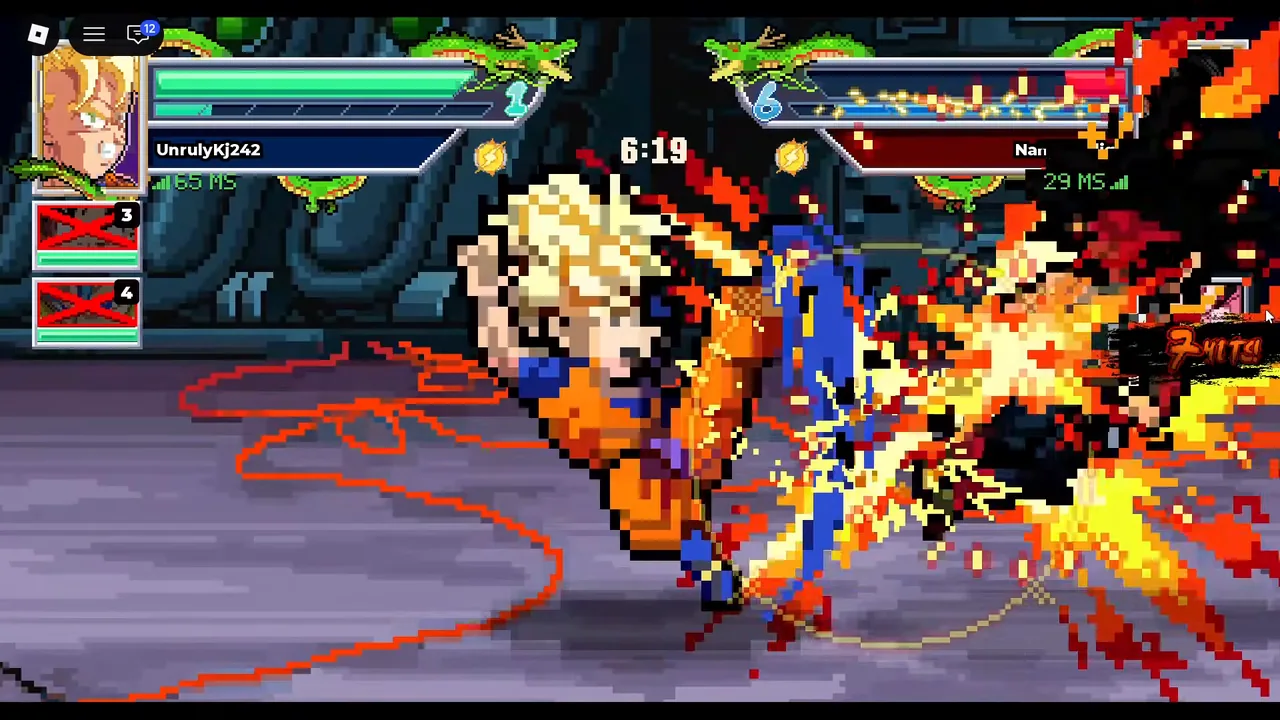
Controls in action
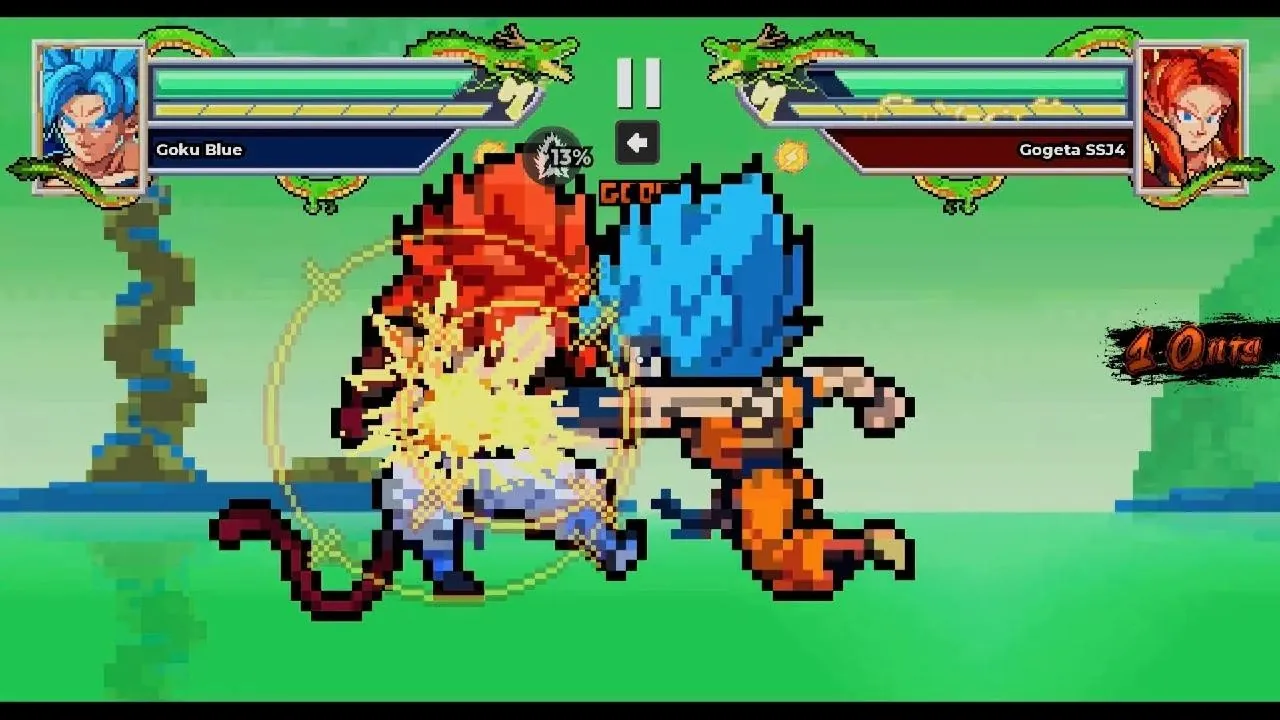
Find the full move list for any fighter
- Pause. Press P during a fight.
- Open the list. Choose List of Movements. The official description points here for the full move list.
- Pick the tab. The MOVES tab lists the fighter’s specials; the CONTROLS tab lists the buttons. Switch between PC and PAD at the top.
- Page through. Use the arrows to page through unique specials and Ultimate attacks; the page counter shows how many pages the fighter has.
FAQ
How do you do special moves in Pixel Z?
Hold a direction and press J, or Q + J, per the description. Each fighter’s move list also shows direction + O inputs for its four unique specials.
How do you transform?
Press T during a fight. See the transform guide.
Can I change keybinds?
The menus show a CONTROLS tab in the move list and a settings screen for sound and language. Remapping is not listed in the game description.
What is Dragon Rush?
The move on E: a fast rush toward the opponent, useful against fighters who keep their distance.
Sources
- Roblox — Pixel Z game page and description (That One Fighting Game) — checked 20 Nov 2026
- YouTube — Berlian kecil, “NEW CODES & HOW TO PLAY Pixel Z ROBLOX | NOVEMBER 20, 2026” (redeem pop-up, pack and 3v3 frames) — checked 20 Nov 2026
- pixel-z.wiki — Controls (screen-read inputs) — checked 20 Nov 2026
- YouTube — nightwing_editslol, “Super sayian blue goku combo Pixel z” (combo clip) — checked 20 Nov 2026
How facts are cross-checked: editorial policy. Corrections: [email protected].